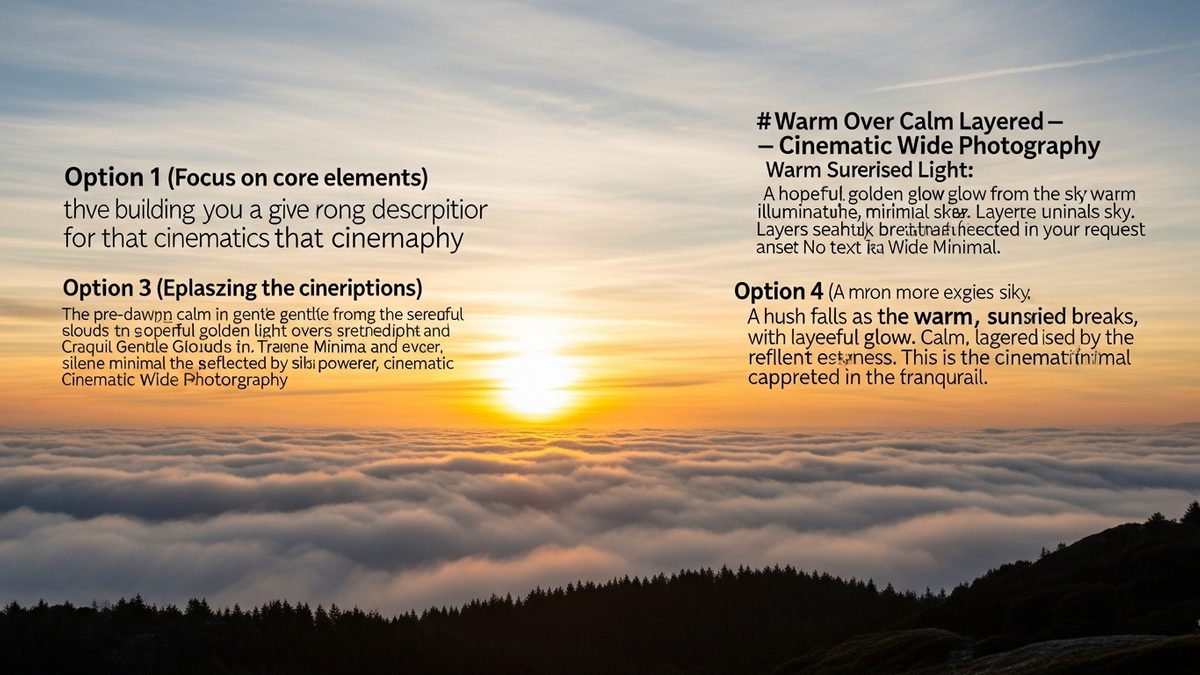

Your phone lock screen is the first thing you see in the morning and the last thing at night. A well-chosen verse there changes the tone of your entire day. But long passages don’t work on a small screen. You need something short, specific, and impossible to forget.
These are real KJV verses, quoted accurately, grouped by what you’re actually looking for. Pick one, then turn it into a lock screen bible verse wallpaper in about two minutes.
Faith: Verses That Settle the Noise
Faith-anchored verses work well for the lock screen because they’re declarative. Short statements of fact, not requests or reflections.
- “Walk by faith, not by sight.” (2 Corinthians 5:7)
- “The LORD is my shepherd.” (Psalm 23:1)
- “God is love.” (1 John 4:8)
- “The LORD is my light and my salvation.” (Psalm 27:1)
- “This is the day which the LORD hath made.” (Psalm 118:24)
- “Trust in the LORD with all thine heart.” (Proverbs 3:5)
Psalm 118:24 is particularly powerful in the morning. Eight words, zero ambiguity.
Peace: For the Lock Screens You Unlock at 2am
Anxiety pulls you to your phone at odd hours. The right verse meets you there instead of adding to the noise.
- “Be still, and know that I am God.” (Psalm 46:10)
- “Cast thy burden upon the LORD.” (Psalm 55:22)
- “Fear thou not; for I am with thee.” (Isaiah 41:10)
- “Pray without ceasing.” (1 Thessalonians 5:17)
Isaiah 41:10 is under ten words and reads as a direct statement to you personally. That’s exactly what a lock screen verse should do.
Strength: When You Need a Push Before You Even Get Up
Some mornings you unlock your phone already behind. A strength verse here does real work.
- “I can do all things through Christ which strengtheneth me.” (Philippians 4:13)
- “The joy of the LORD is your strength.” (Nehemiah 8:10)
- “Be strong and of a good courage.” (Joshua 1:9)
- “Rejoice evermore.” (1 Thessalonians 5:16)
1 Thessalonians 5:16 is two words. You read it in a glance. That brevity is the whole point on a lock screen.
Want to build one of these into an actual image? The bible verse image maker lets you add any of these to a background in seconds, no design experience needed.
Courage: For the Days That Actually Scare You
Courage verses tend to be commands, not reassurances. That directness works well in a two-second glance.
- “Be strong and of a good courage.” (Joshua 1:9)
- “Fear thou not; for I am with thee.” (Isaiah 41:10)
- “Be still, and know that I am God.” (Psalm 46:10)
Joshua 1:9 appears twice across themes because it belongs in both. It’s a flat-out command with a promise built in.
Love: Verses That Remind You What the Day Is For
Short love verses are rarer than you’d think. The most cited ones run long. These hold up on a screen.
- “God is love.” (1 John 4:8)
- “Let all your things be done with charity.” (1 Corinthians 16:14)
1 John 4:8 is three words, KJV accurate, and more theologically loaded than any sentence you’ll encounter today. Worth sitting with it.
Make It Your Lock Screen in Three Steps
Reading a verse here is one thing. Seeing it every time you pick up your phone is another. Here’s how to make it stick.
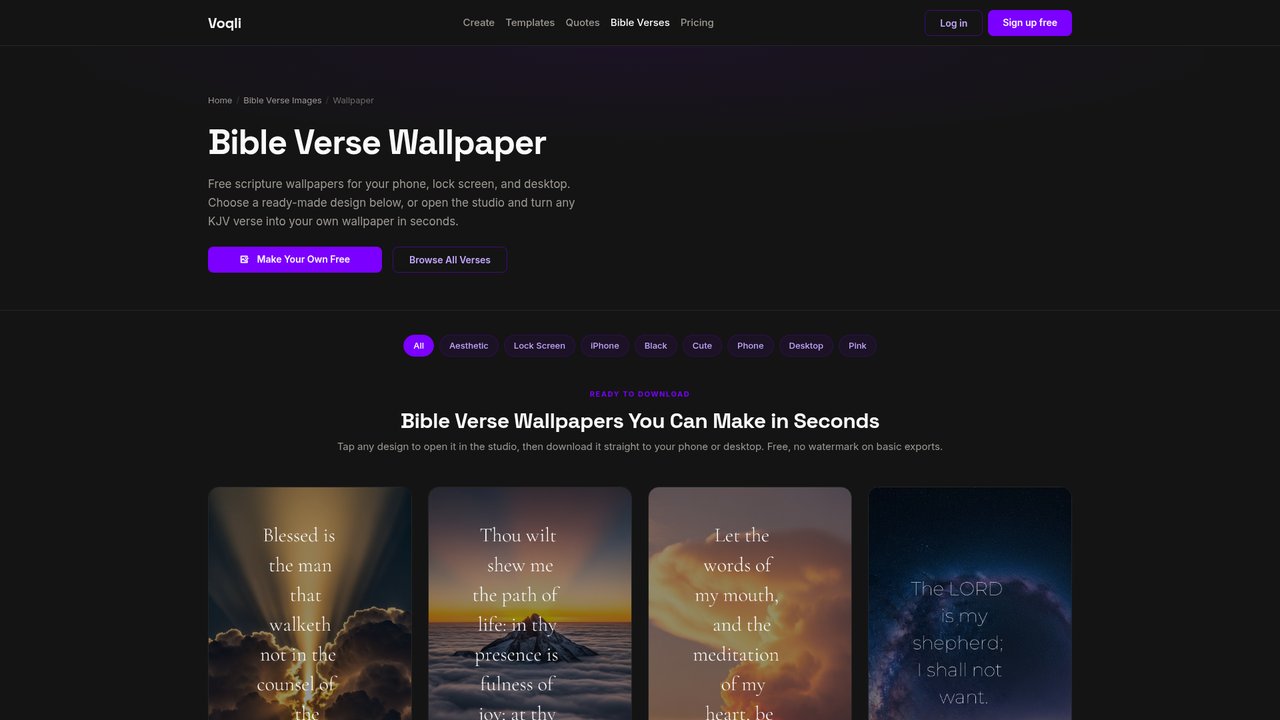
Step 1: Go to the free bible verse wallpaper tool. Paste your chosen verse and reference. Pick a background, dark or light, that works with your current setup.
Step 2: Select the Photo template category. These are designed for lock screens with the right text-to-space ratio, so your verse stays readable over any image background.
Step 3: Set the export to 1080×1920 and download. That’s full portrait resolution for every current iPhone and Android model. Save it to your camera roll and set it as your lock screen wallpaper directly in your phone settings.
The whole process takes under two minutes. You can use Voqli’s free studio to try different fonts and backgrounds until one feels right for the verse you chose.
Frequently Asked Questions
Are these Bible verse wallpapers free to make?
Yes. The free plan on Voqli gives you access to templates and lets you create and download lock screen verse images at no cost, with no watermark on basic exports. A Pro upgrade adds premium templates, but the free version covers personal lock screen use.
What is the best image size for a phone lock screen wallpaper?
1080×1920 pixels covers the vast majority of Android and iPhone screens at full resolution. Some newer devices (iPhone 15 Pro Max, Samsung S24 Ultra) have slightly higher native resolutions, but 1080×1920 scales cleanly on all of them without visible quality loss.
Can you change the font and background photo for a Bible verse image?
Yes. Voqli’s editor lets you swap fonts, adjust text size and placement, and change the background image or color. For lock screens specifically, high-contrast text (white on a dark image, or dark on a light solid color) is the most readable at a glance.
Voqli is a free tool for turning bible verses and quotes into beautiful images and phone wallpapers. Pick a verse, choose a design, and download it in seconds.
Make This Wallpaper Yours
Open any verse or quote in Voqli Studio and turn it into a stunning wallpaper in seconds. Free to start, no design skills needed.